
Cloud-Free Smart Sprinkler Automation with LocalTuya
Replacing manual sprinkler timers with a Shrivee HCT-636-2 water valve, integrated into Home Assistant via LocalTuya for weather-aware watering.
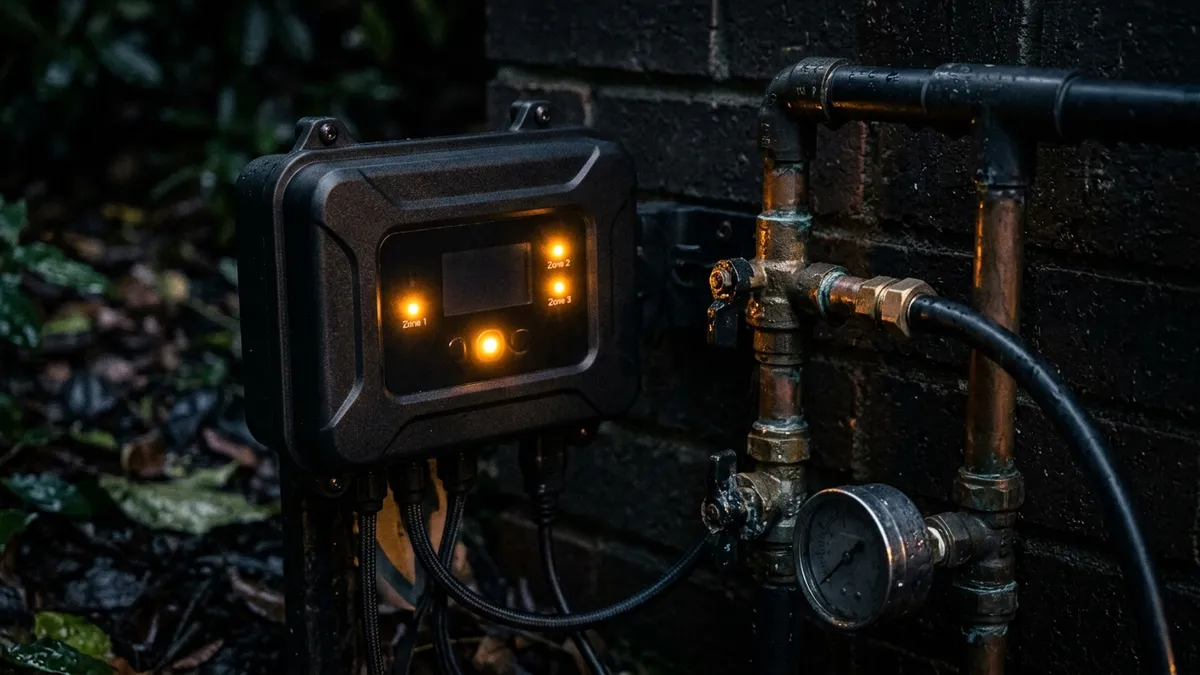
One of the best uses for a smart home is eliminating wasteful utility usage. Running sprinklers on a dumb, timed schedule means watering the lawn even when it’s pouring rain.
To solve this, I built a smart sprinkler setup that acts dynamically based on real-world weather data, all without relying on a paid cloud subscription.
Parts List & Tools
To build this, you need a few basic components:
| Part | Description | Purchase Link |
|---|---|---|
| Shrivee HCT-636-2 | Dual-zone smart hose water timer valve | Amazon |
| Wi-Fi Gateway | Tuya-compatible bridge for local network control | Amazon |
| AAA Batteries | Alkaline power supply for the timer valves | Amazon |
| LocalTuya Integration | Home Assistant custom integration (software) | HACS |
The Hardware: Shrivee HCT-636-2
Rather than building a custom ESPHome relay board to control standard irrigation valves, I opted for an off-the-shelf smart hose timer: the Shrivee HCT-636-2.
It’s a fantastic, rugged dual-zone valve that connects over Wi-Fi. However, out of the box, it relies on the Tuya cloud app—which violates my “100% Local-first” philosophy.
Severing the Cloud: LocalTuya
To bring the Shrivee valve into my localized network, I use the LocalTuya custom integration in Home Assistant.
- Provisioning: The device is initially provisioned to the network.
- Key Extraction: I extract the local device ID and encryption key (using the Tuya IoT developer platform).
- Local Control: LocalTuya allows Home Assistant to talk directly to the valve over my local Wi-Fi router. If the internet goes down, Home Assistant can still trigger the sprinklers.
Weather-Aware Automations
The true power of this setup lies in the automation logic. I don’t use standard timers. Instead, my Home Assistant automations:
- Check Forecasts: Pull in local weather integrations (like OpenWeatherMap).
- Evaluate Precipitation: Before triggering the morning watering cycle, the automation checks the probability of rain.
- Dynamic Execution: If it rained yesterday, or if heavy rain is forecasted today, the automation intelligently skips the watering cycle, saving water and money.
By combining inexpensive Tuya hardware with the LocalTuya integration and weather-aware logic, I’ve created an enterprise-grade irrigation system that remains entirely under my local control.
Conclusion
By prioritizing a local-first approach with this hardware, you ensure maximum reliability and data privacy for your homelab. Check out the GitHub repository for the full configuration files!